Skip to content

PLC Automation Consultancy & Training | Liam Bee

Learn PLC automation properly, through structured courses, deep technical guides, and industrial consultancy.
  • All Posts
  • ⚙️Technical Services
  • Siemens TIA Portal Book
  • Do & Grow Membership
    • View Do & Grow Membership
    • Getting Started With Do & Grow
  • Courses
    • View All Courses
  • Membership Account
    • Sign In
    • Dashboard
    • My Courses
    • My Grades
    • My Memberships
    • My Achievements
    • My Certificates
    • Notifications
    • Edit Account
    • Redeem a Voucher
    • Order History

Membership Catalog

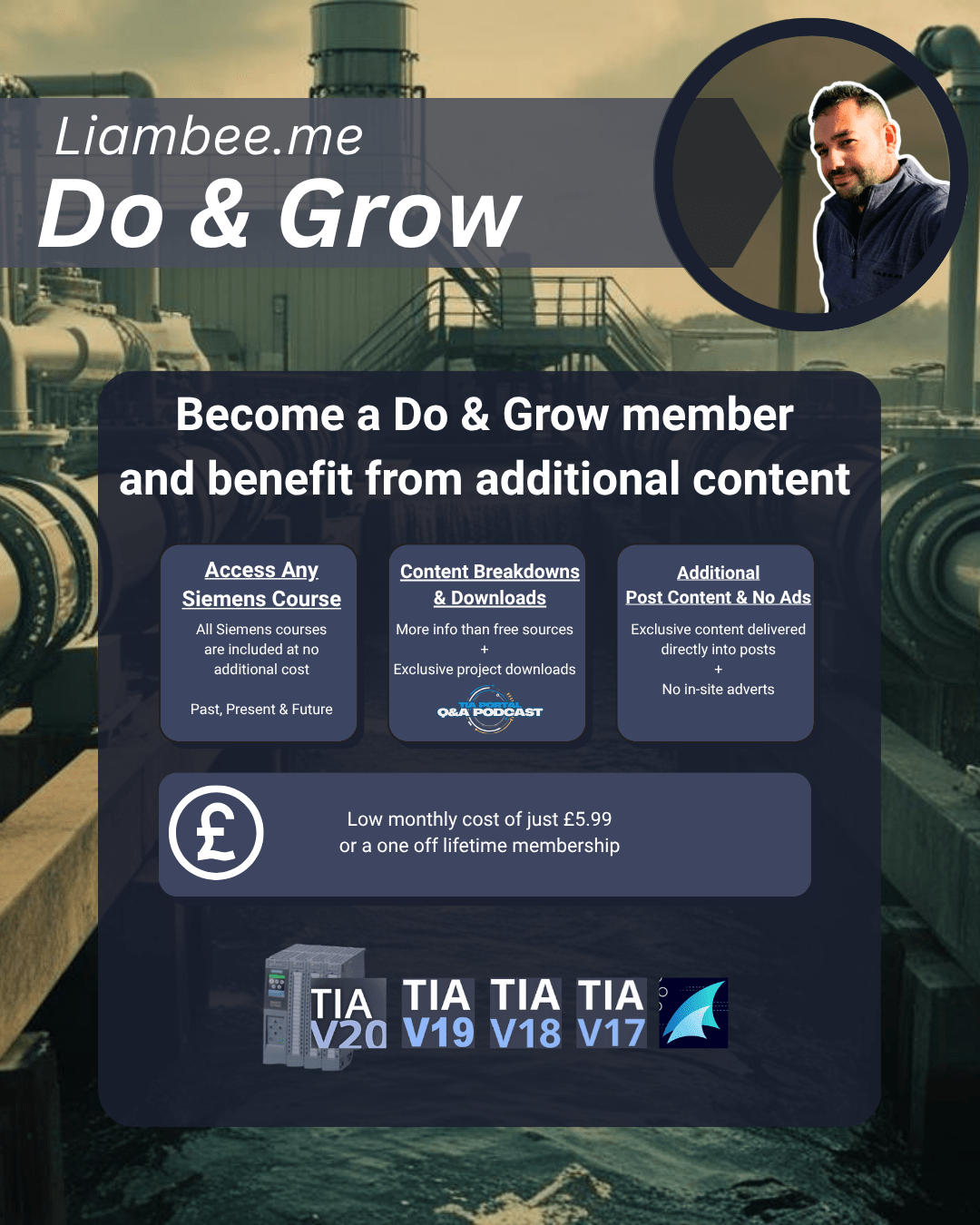
  • Do & Grow Membership

    Do & Grow Membership

    Liam (Site Owner) Liam (Site Owner)

Consulting Services

Member Benefit

Browse Ad-Free

Do & Grow members never see advertisements while logged in. Just learning, courses, and engineering content, distraction free.


Unlock Ad-Free Access
Free 30-Min Call

Book a Quick Discussion

Check the Technical Services page first, but if your project does not quite fit, or you are not sure what you need yet, you can book a discussion here.

General Discussion Banner
Not displaying nicely?

Latest YouTube Content

Want to take this course ad free and have access to the full course immediately?
Take a look here:
https://liambee.me/course/siemens-tia-portal-asset-oriented-programming/

In this lesson, we look at the auto feedback simulation system and how it fits into the overall simulation architecture. The focus is on automatically generating simulated feedback for assets when running in simulation mode, without relying on manual interaction.

The lesson builds on the valve asset concept used throughout the course and explains how simulated feedback is injected into the software asset when simulation mode is active. This simulated feedback is then used by the control logic in place of real world IO.

A new variable called auto feedback enable is introduced and explained. When auto feedback is enabled and the system is in simulation mode, feedback signals are generated automatically based on the output requests coming from the asset manager. This allows valves to behave as if they are operating correctly without manual input.

The quarter turn valve example shows how an open request triggers a simulated flight time using a delay timer, after which the open feedback is set. This mimics the real movement of a valve from closed to open. When auto feedback is enabled, manual simulation buttons are blocked to prevent conflicting feedback states.

The lesson also discusses considerations such as spring return valves, where additional logic may be required to generate closed feedback when the open request is removed. This highlights how the auto feedback model can be extended to match real asset behavior more closely.

A modulating valve example is also covered. In simulation mode without auto feedback, the simulated raw value is used. With auto feedback enabled, the requested position is fed directly back as the simulated position. This is identified as the ideal place to add ramps, delays, or stepped movement if required.

The key takeaway is that auto feedback is an optional enhancement. It does not affect the asset manager or the core control logic and can be added or removed without breaking the system. Its main benefit is allowing complex sequences to be tested with confidence, knowing that assets will always provide healthy and consistent feedback during simulation.

The lesson sets the foundation for later demonstrations using the simulation HMI, where the interaction between auto feedback, manual simulation, and live sequence testing becomes more visual and easier to follow.

#AlwaysLearning #Siemens #TIAPortal #Automation #PLC #HMI #TIA #DoAndGrow
Siemens TIA Portal – Asset Oriented Programming - Auto Feedback
Subscribe

Latest Tip

liambee.me

Helping teach PLC automation
#AlwaysLearning #Siemens #TIAPortal #PLC #Automation #AllenBradley #Rockwell #Schneider #Codesys

The Testing tab becomes available only when the pr The Testing tab becomes available only when the project is connected online to a PLC. It exposes operational controls that directly affect the running controller, including run, stop, and memory reset actions.

These controls act immediately on the device without additional confirmation layers. A single action can stop a process or clear program memory, which makes this tab one of the most powerful areas of the Task Pane.

TIA Portal intentionally separates these controls from normal engineering tools by placing them in a contextual tab. This reduces accidental interaction but does not remove responsibility from the engineer.

Understanding when the Testing tab appears and what it controls is essential for safe commissioning, troubleshooting, and live system work.

Watch more about this in The Complete Guide To TIA Portal V20 on YouTube: https://www.youtube.com/watch?v=pXX8jD81m_U

#AlwaysLearning #Siemens #TIAPortal #Automation #PLC #HMI #DoAndGrow

Featured Courses

🔹The Complete Guide To Siemens TIA Portal V20🔹

--> In Active Development <--
⭐ Included In Do & Grow ⭐

Learn all there is to learn about Siemens TIA Portal V20

🔸SIEMENS TIA PORTAL
ASSET ORIENTED PROGRAMMING🔸

Take a look at the biggest TIA Portal Course in AOP Design!

➡️ Find Out More

Most Viewed Post
  1. TIA Portal – TON / TOF / TP Timers And Different Use Cases (16,446)

You missed

Siemens

Do UDTs Break Cross Referencing? | TIA Portal, InOut Parameters & Asset Oriented Programming

June 10, 2026 Liam (Site Owner)
Node-RED

🚀 New Course: Node-RED Basic Nodes & Uses

June 1, 2026 Liam (Site Owner)
Siemens

How to Use the FILL Instruction in Siemens TIA Portal

May 14, 2026 Liam (Site Owner)
Node-RED

Connecting Node-RED To PLCSIM Advanced

May 12, 2026 Liam (Site Owner)

PLC Automation Consultancy & Training | Liam Bee

Learn PLC automation properly, through structured courses, deep technical guides, and industrial consultancy.

Proudly powered by WordPress | Theme: Newsup by Themeansar.

  • Privacy Policy
  • Powered By Icons8
×