
Node-RED: Basic Nodes and Uses – 2026 – V4.1
This course covers the standard nodes supplied with Node-RED and explains what each palette section is used for. The lessons move through the built-in nodes in a structured order so the curriculum below can take you through them one by one.
The focus is on the basic nodes, how messages move through a flow, and the kinds of jobs the standard palette is designed to handle.
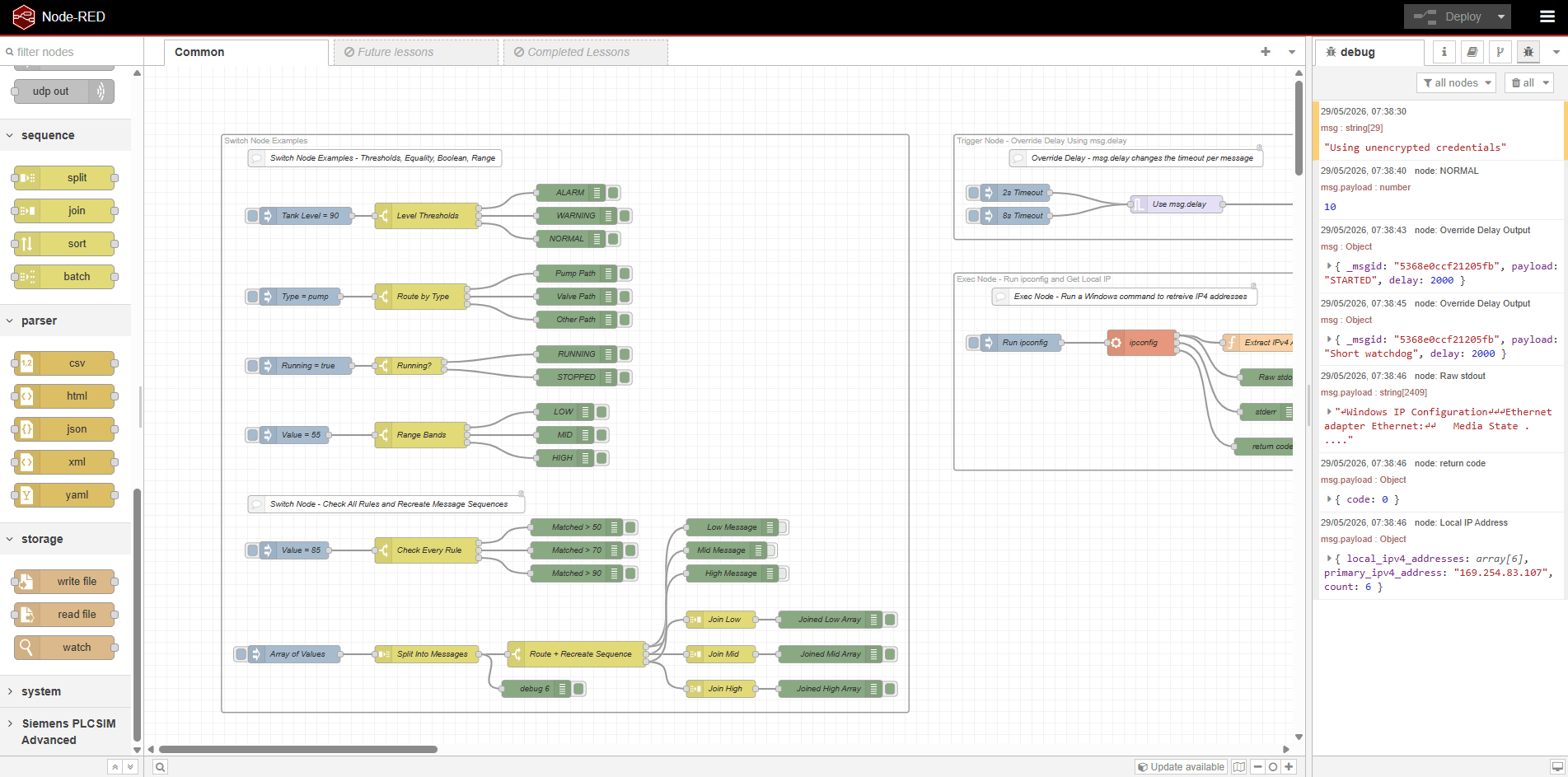
Palette Sections Covered
This course goes through the standard nodes supplied with Node-RED and groups them by the palette sections used in the editor. Each section below gives a short summary of what that part of the palette is used for.
Common
The Common section covers the nodes used to start flows, inspect messages, report status, and handle errors.
- Inject, Debug, Catch, Complete, Status, and Link
- Message input and output
- Basic status and error handling
Function
The Function section covers the nodes used to change values, route messages, apply timing, and write custom logic.
- Function, Switch, Change, Range, and Template
- Delay and Trigger
- Logic handling and message transformation
Network
The Network section covers the nodes used to communicate with external services, devices, and applications.
- MQTT, HTTP, WebSocket, TCP, and UDP
- Exec and Filter
- Protocol and connection basics
Sequence
The Sequence section covers the nodes used to split messages apart, join them back together, sort data, and batch items.
- Split, Join, Sort, and Batch
- Working with arrays and grouped messages
- Sequencing and recombination
Parser
The Parser section covers the nodes used to read, convert, and prepare common data formats inside a flow.
- CSV, HTML, JSON, XML, and YAML
- Parsing and format conversion
- Preparing data for later processing
Storage
The Storage section covers the standard file nodes used to read data from files, write data back out, and watch files for changes.
- Read File, Write File, and Watch
- File input and output
- Watching files inside a flow
Who This Course Is For
Automation Engineers
The standard Node-RED palette is useful when you need to move data between devices, services, dashboards, and control-related systems.
Developers New To Node-RED
The course gives a structured walkthrough of the nodes supplied with Node-RED, which makes it easier to understand how the editor is intended to be used.
Teams Building Internal Tools
The built-in nodes are often enough to create small utilities, basic integrations, data handlers, and file-driven workflows without extra dependencies.
Where This Fits
Node-RED can be used on its own, or as part of a wider automation stack. The standard palette gives you a practical set of tools for message handling, integration, parsing, and storage.
That makes it a good fit alongside broader automation topics such as networking, PLC integration, data handling, and troubleshooting.
Do & Grow Access
Do & Grow members get access to this course as part of their membership
Course Access
Access the course directly, with no expiry.
+ No ads across the rest of the site!
Introduction (~5m)
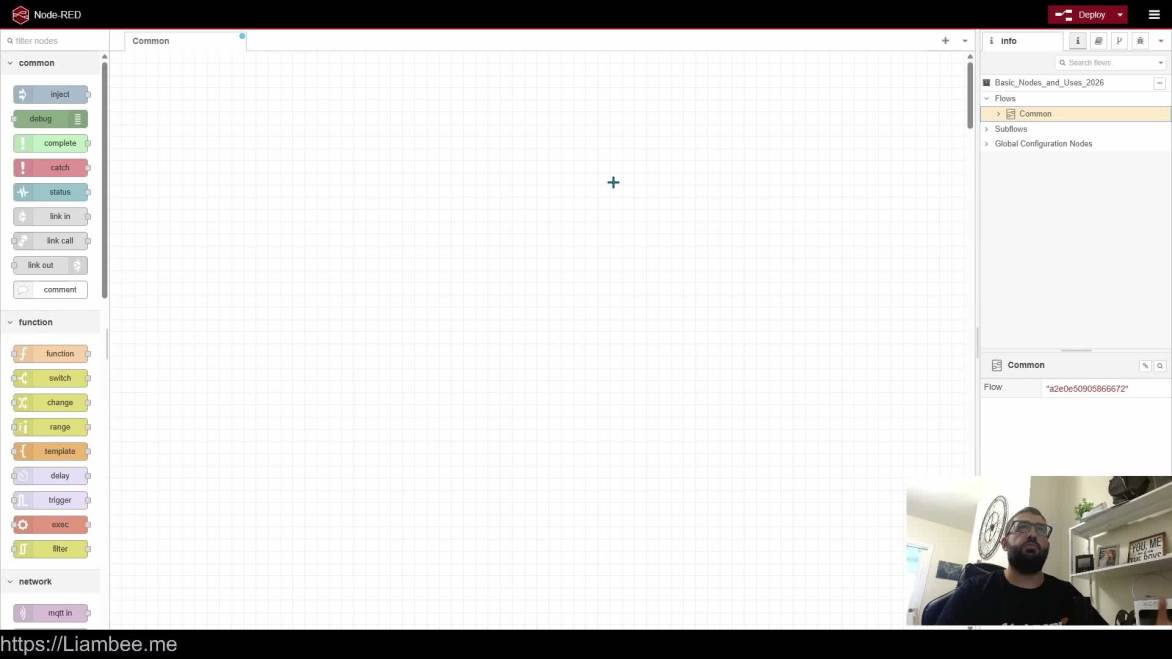
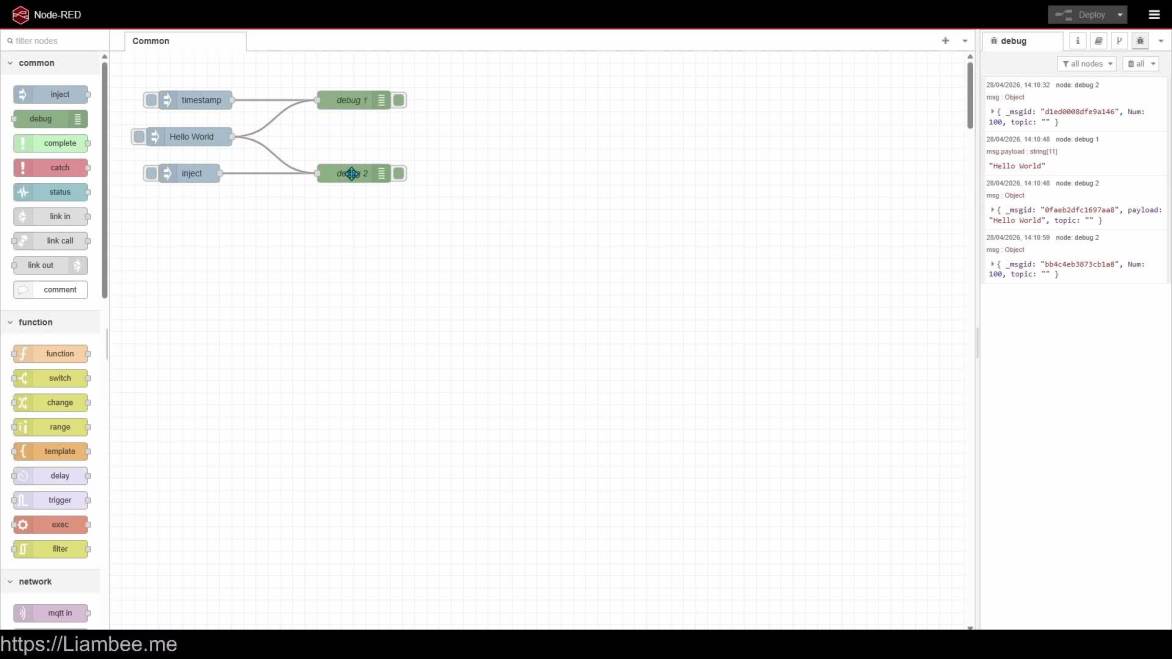
Common Nodes (~1h 15m)
🎥 18m of Video
This video explores the first building block of Node-RED – The Inject Node
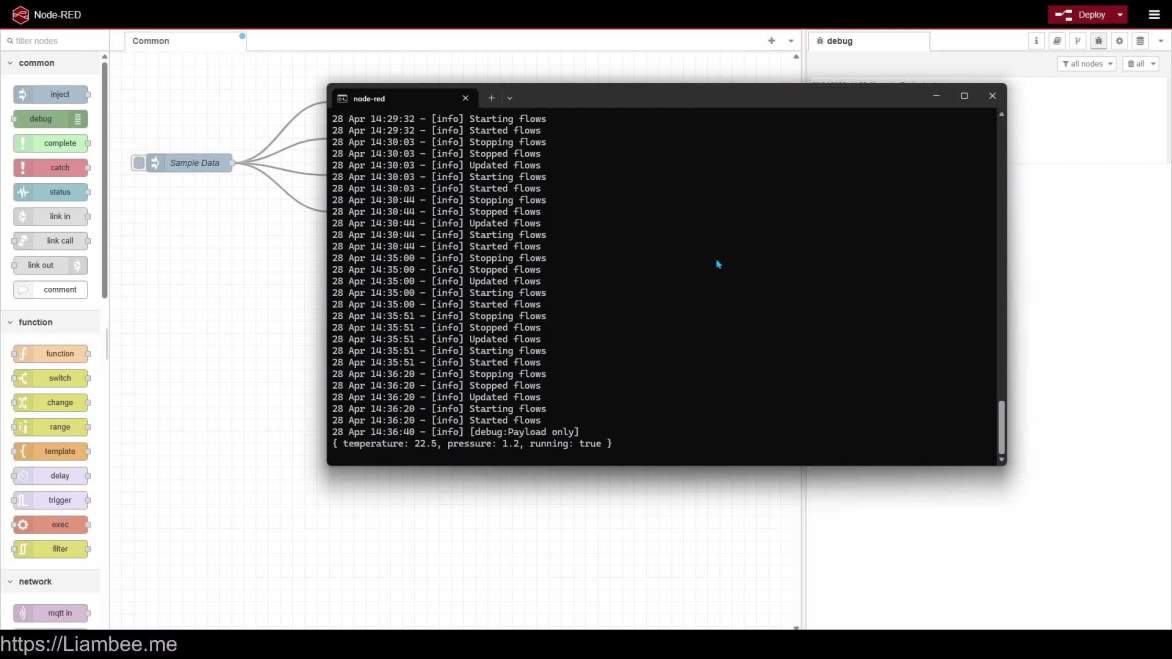
🎥 12m of Video
Learn how to use the Debug node so that diagnosing issues and results is far easier
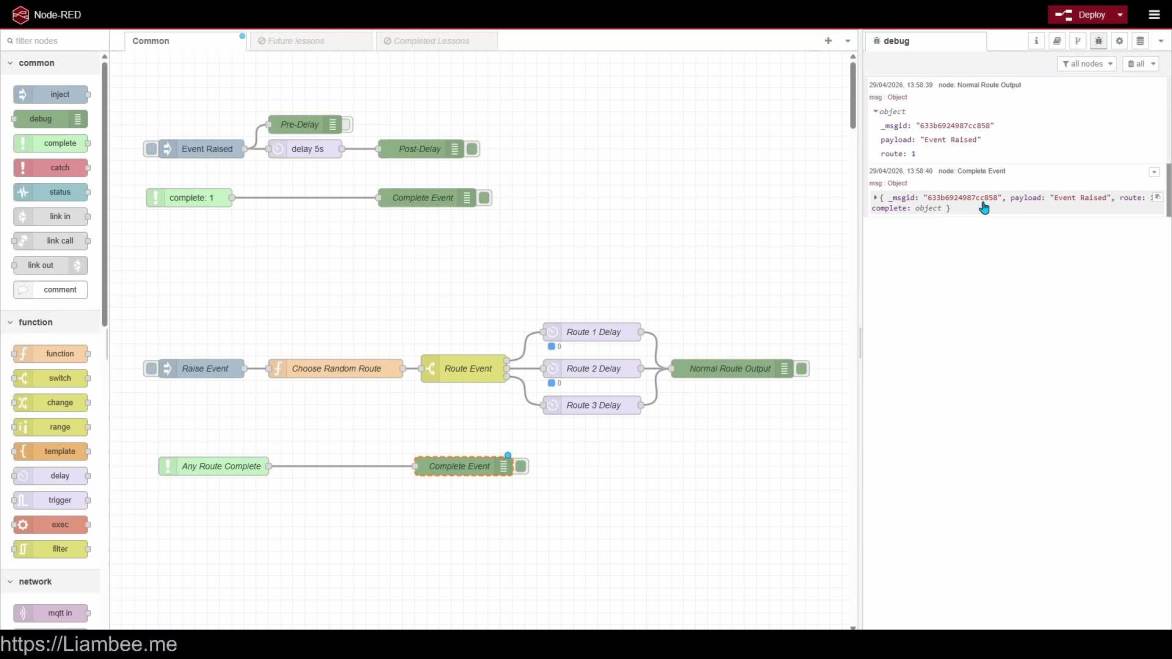
🎥 8m of Video
The complete node allows Node-RED to raise events when nodes successfully complete
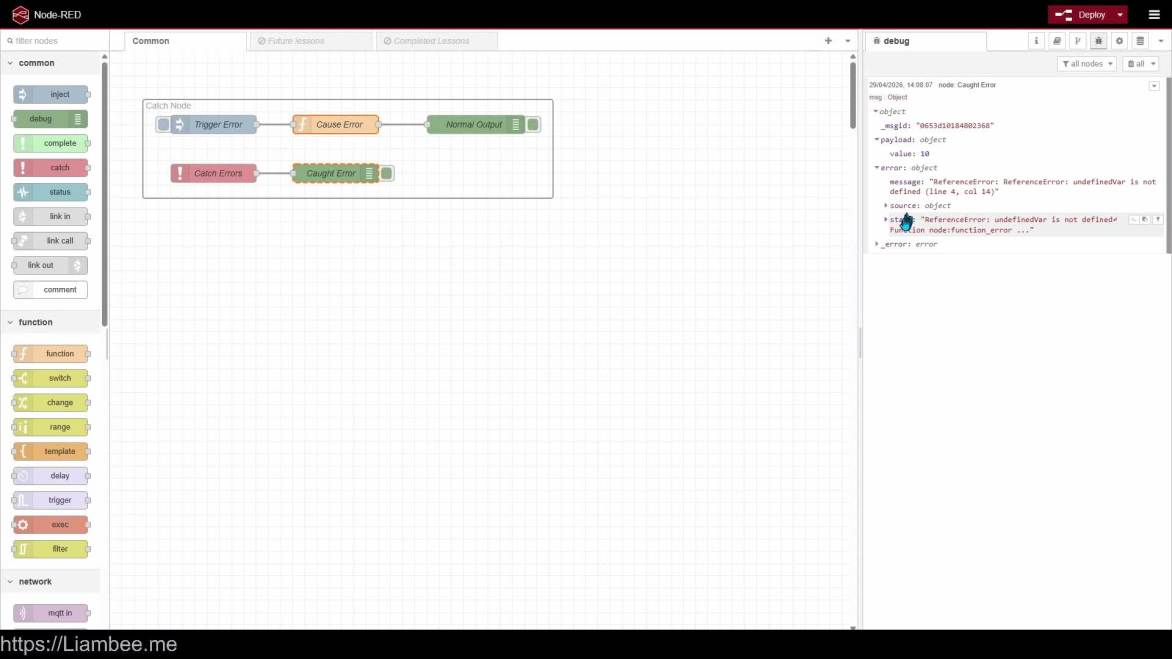
🎥 6m of Video
Learn how to catch errors using the Catch node
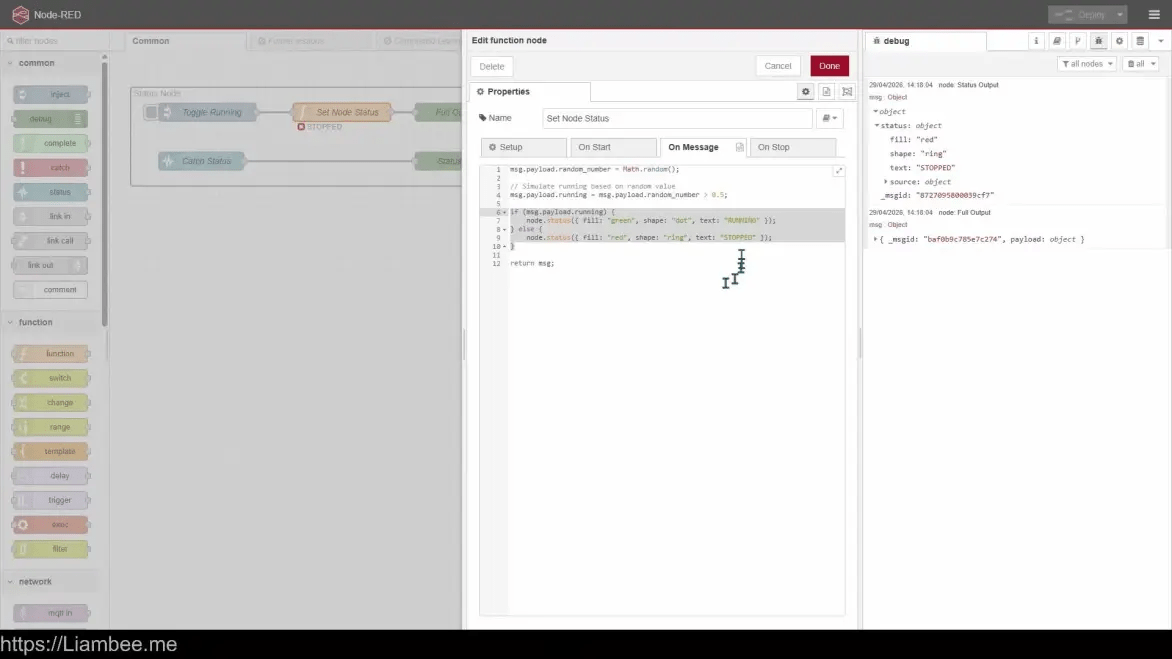
🎥 6m of Video
Learn how to retrieve status updates from nodes and output them to a different part of your flow
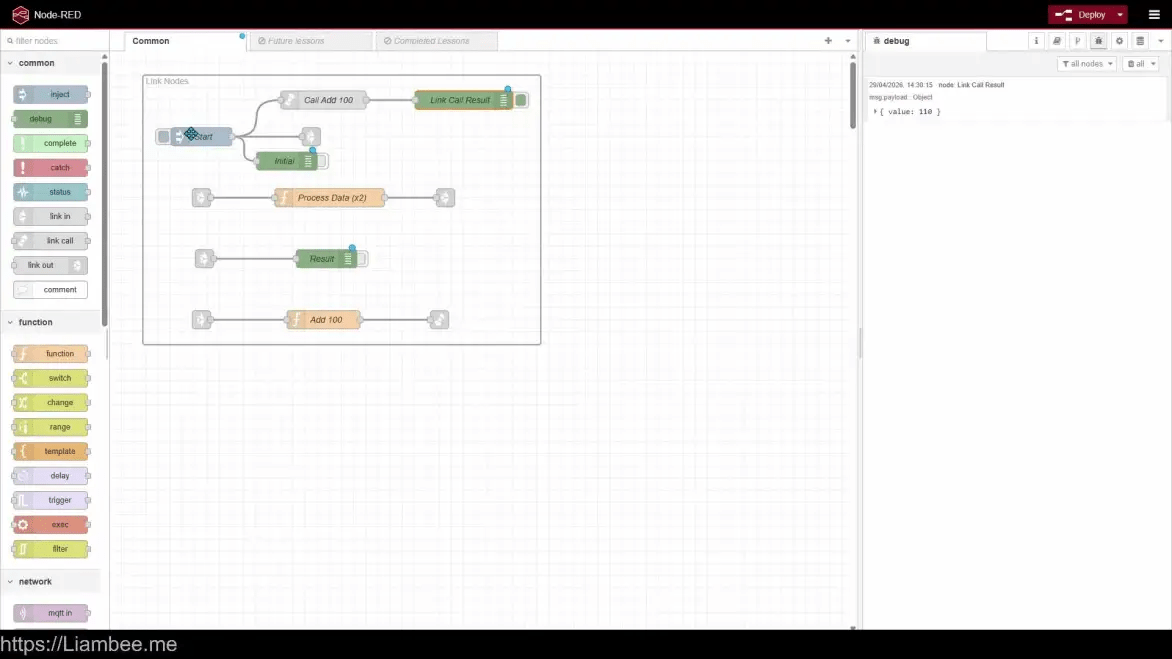
🎥 12m of Video
Link nodes allow organisation of your flows by creating “hidden” link paths
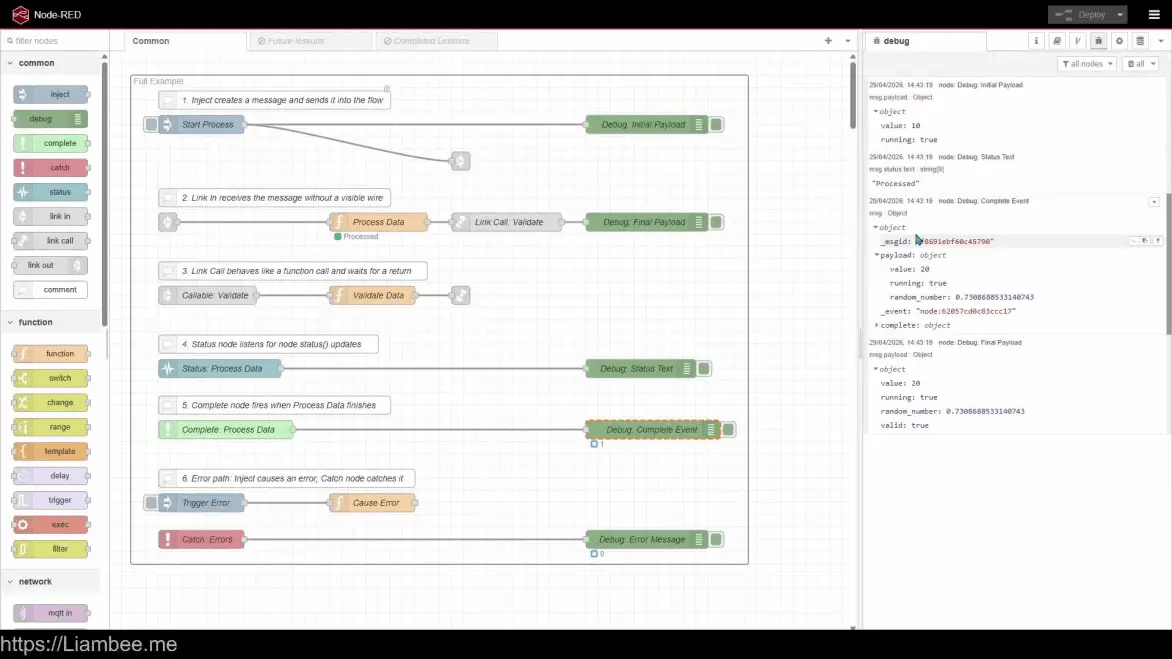
🎥 10m of Video
Explore a larger example of all of the common nodes in use together
Function Nodes (~2h)
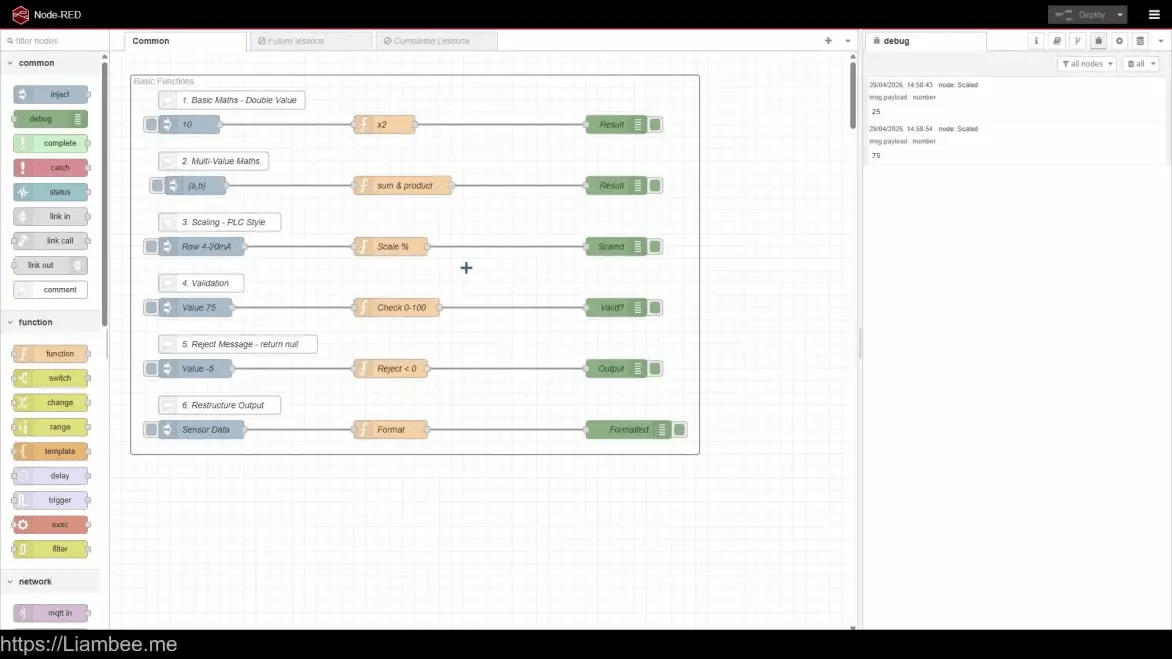
🎥 12m of Video
Learn the basics of Function Nodes

🎥 11m of Video
Function nodes have built in “On Start” and “On Stop” sections. Learn how to use them effectively
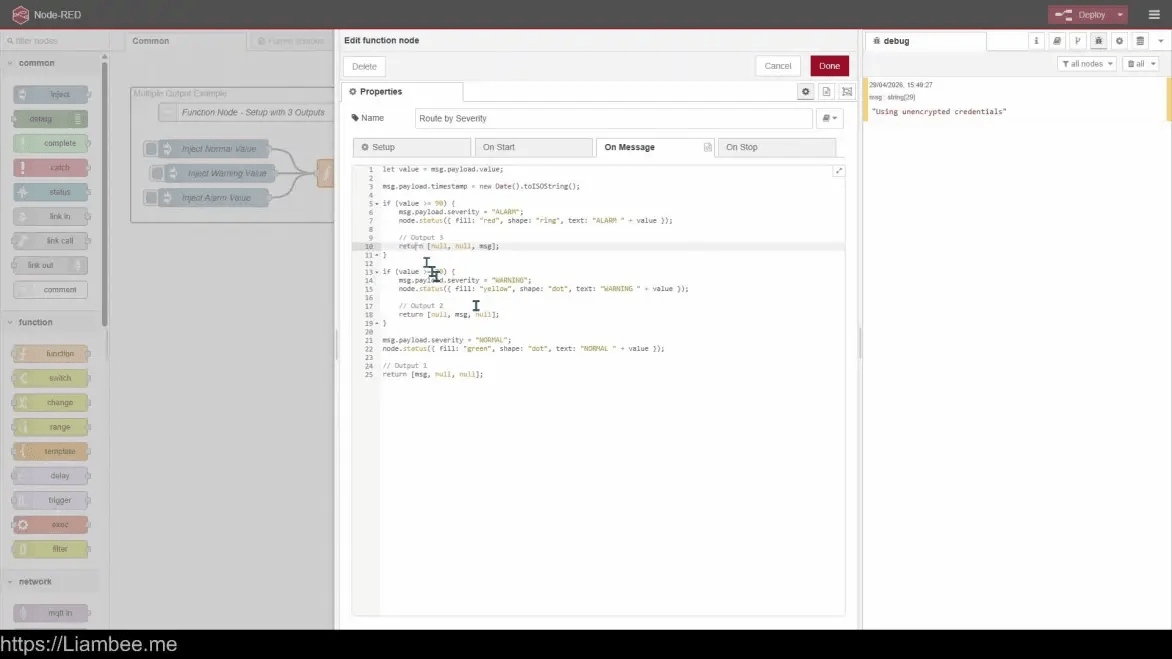
🎥 4m of Video
Learn how to configure other aspects of Function nodes, such as multiple outputs
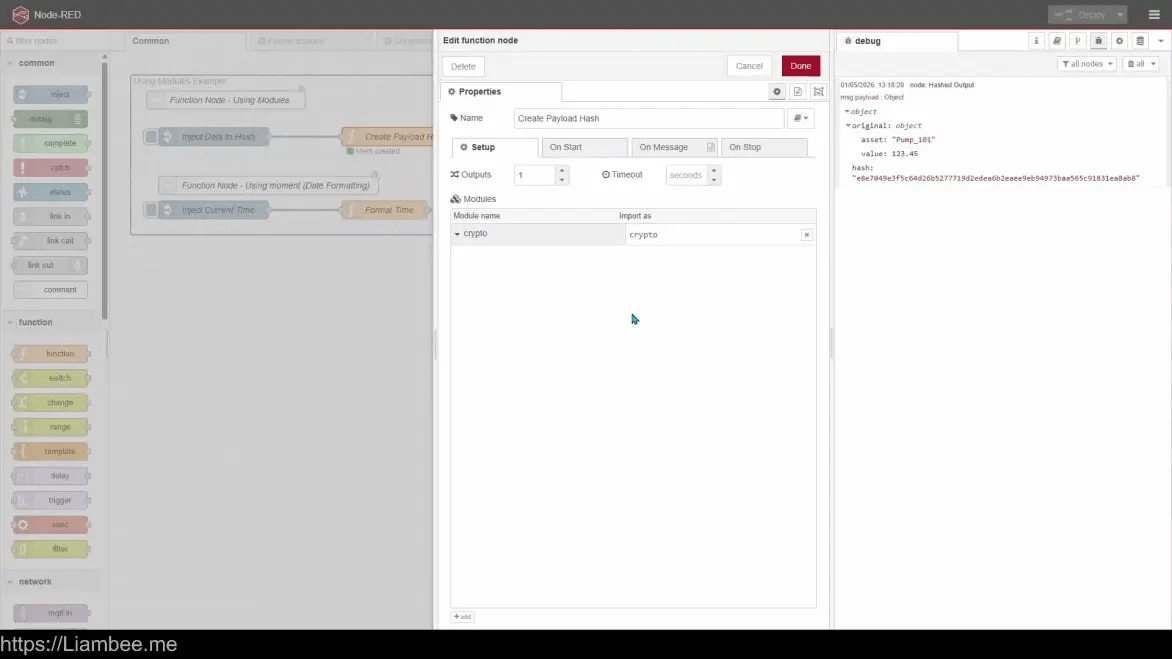
🎥 5m of Video
Functions can be supported with additional “Modules”. Learn what this means and how to use them
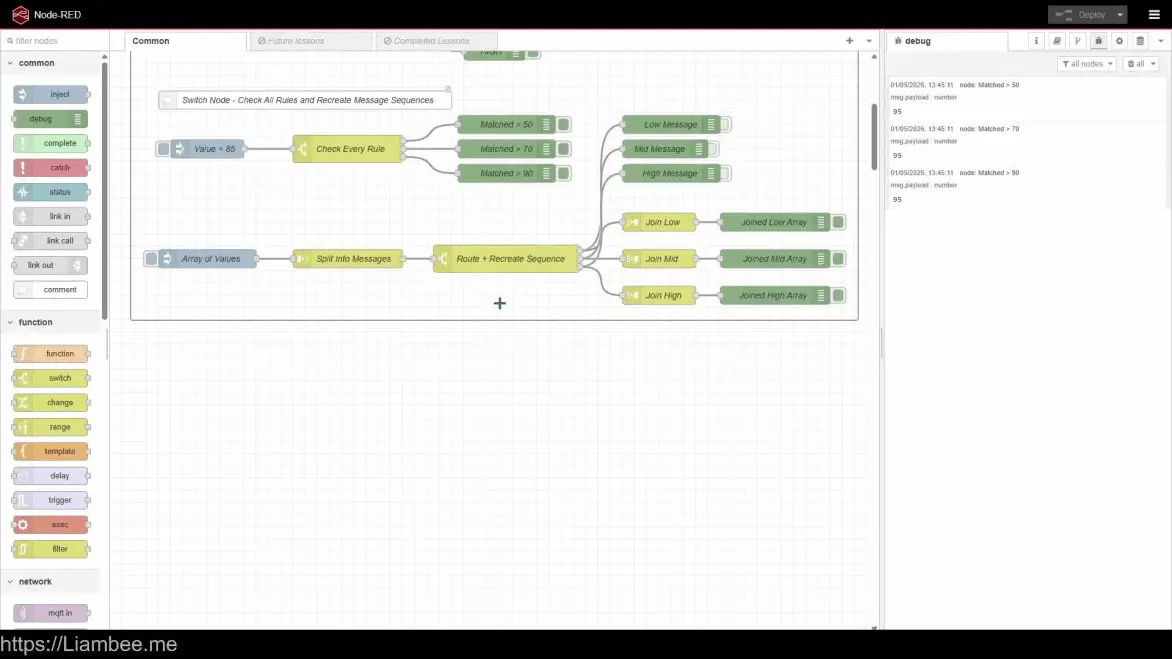
🎥 13m of Video
Learn how to control flow directions across different pathways with Switch nodes

🎥 8m of Video
Change nodes allow manipulation of the msg object whilst in transit. Learn how to use it
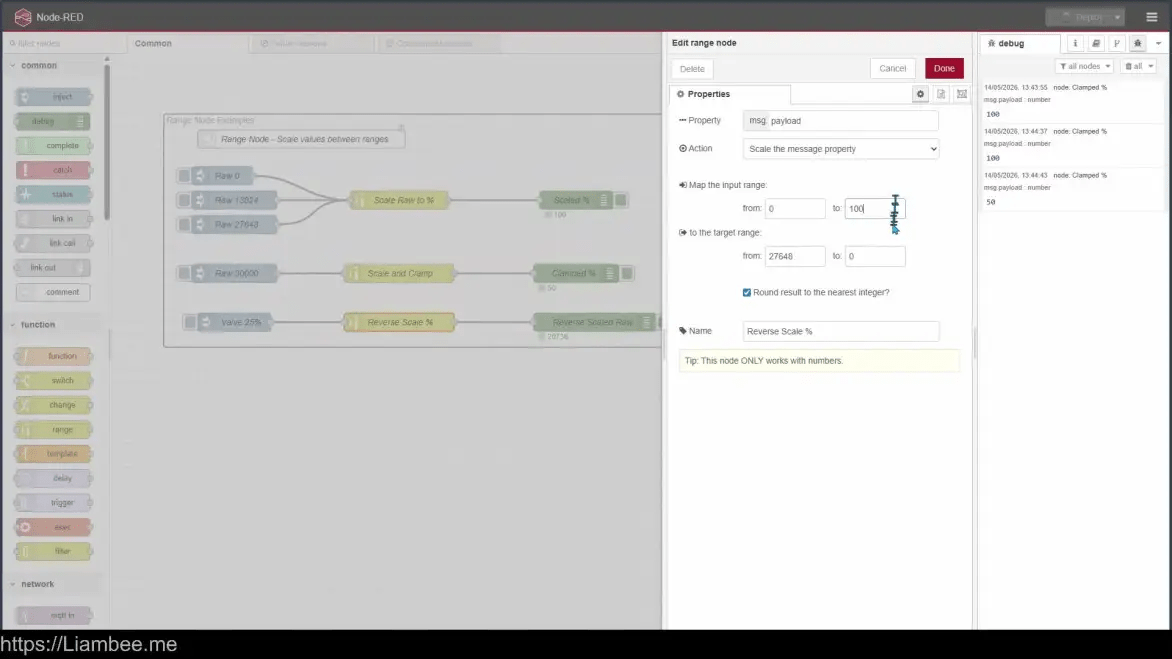
🎥 8m of Video
Learn how to scale signals using a Range Node
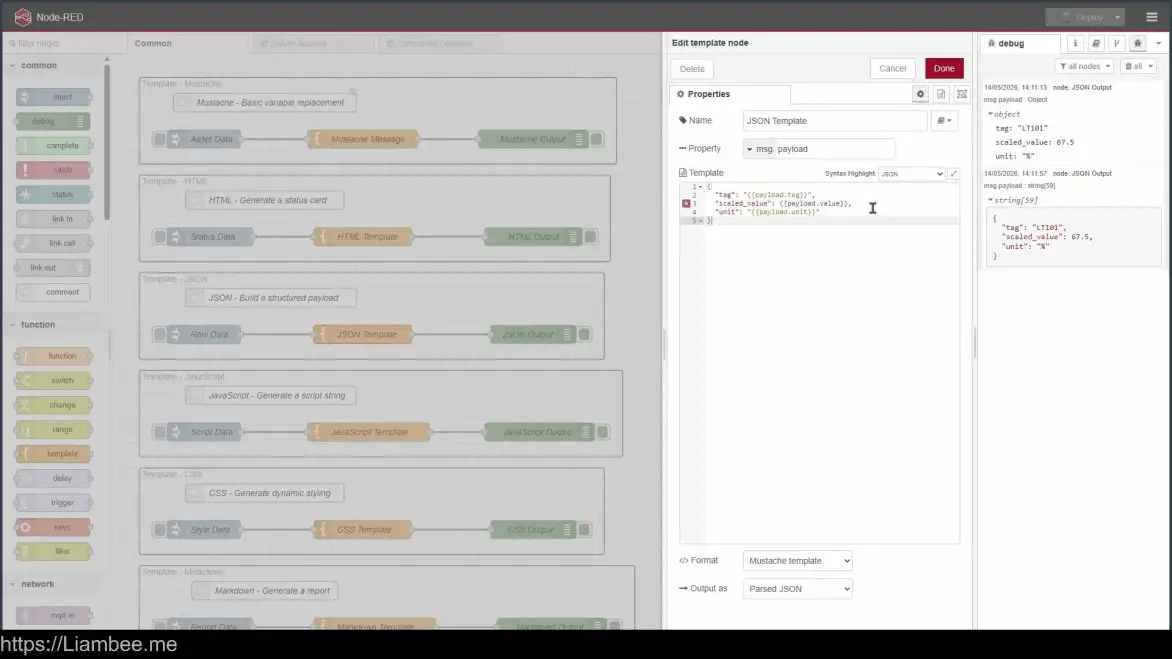
🎥 9m of Video
Template nodes allow the creation of “Mustache” templates to inject data into a ready made template

🎥 14m of Video
Learn how to delay flow progression and rate limit messages. A key part of flow design in Node-RED
🎥 15m of Video
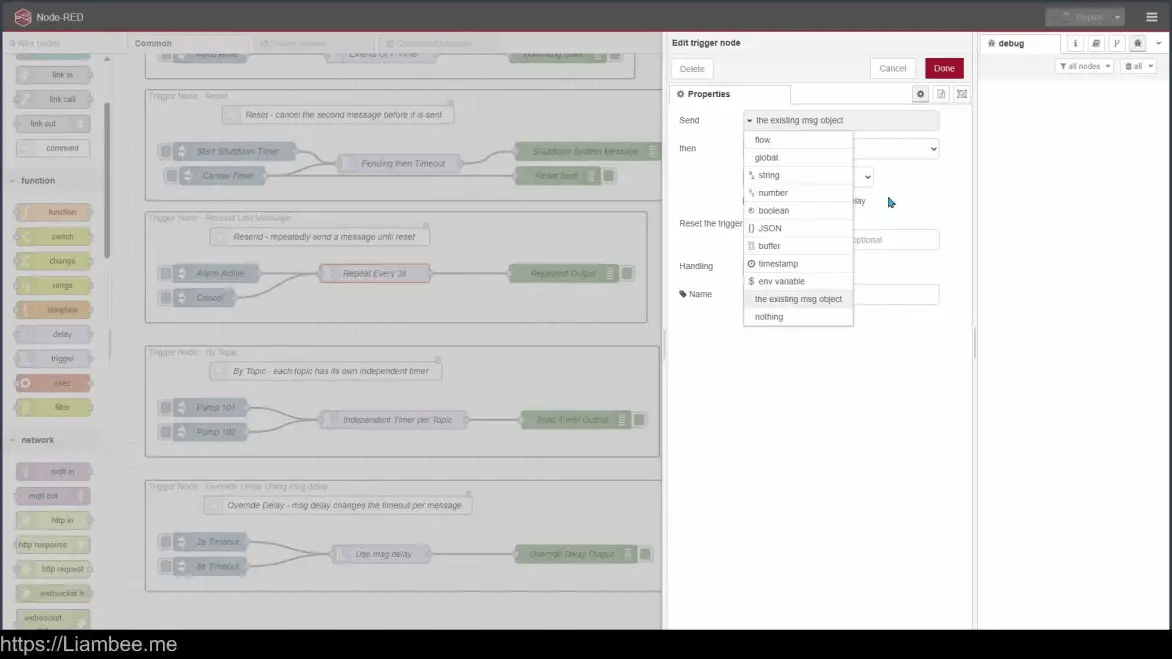
Trigger nodes allow further control of workflows based around conditional triggers
🎥 5m of Video
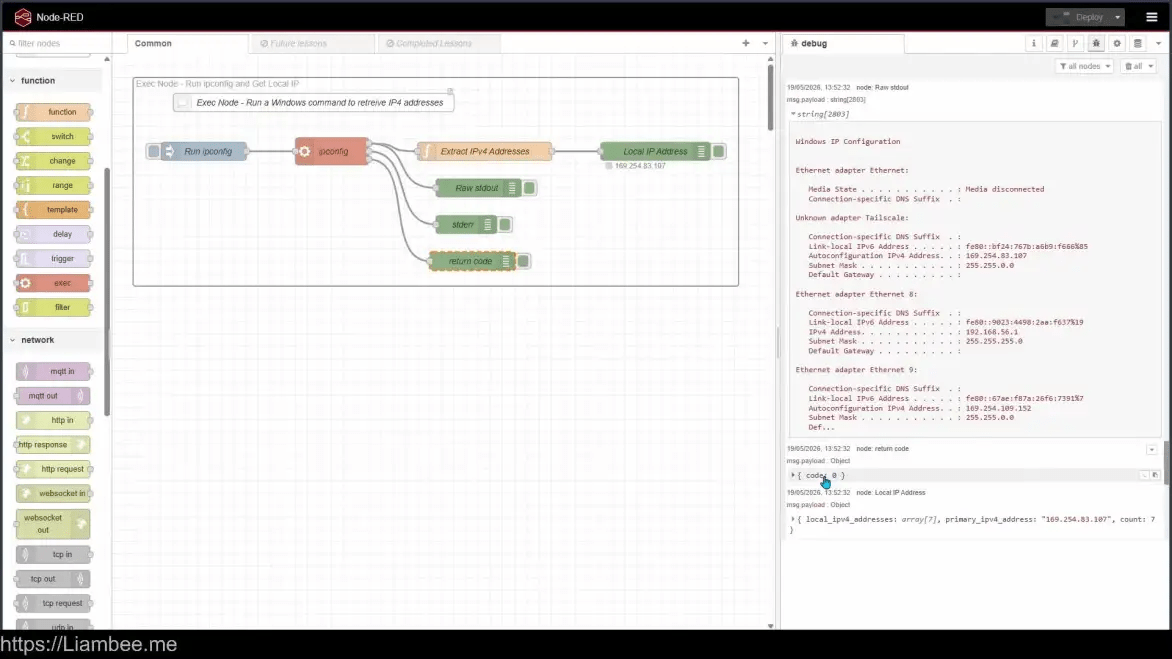
An example of starting a console command from an Exec Node in Windows
🎥 8m of Video
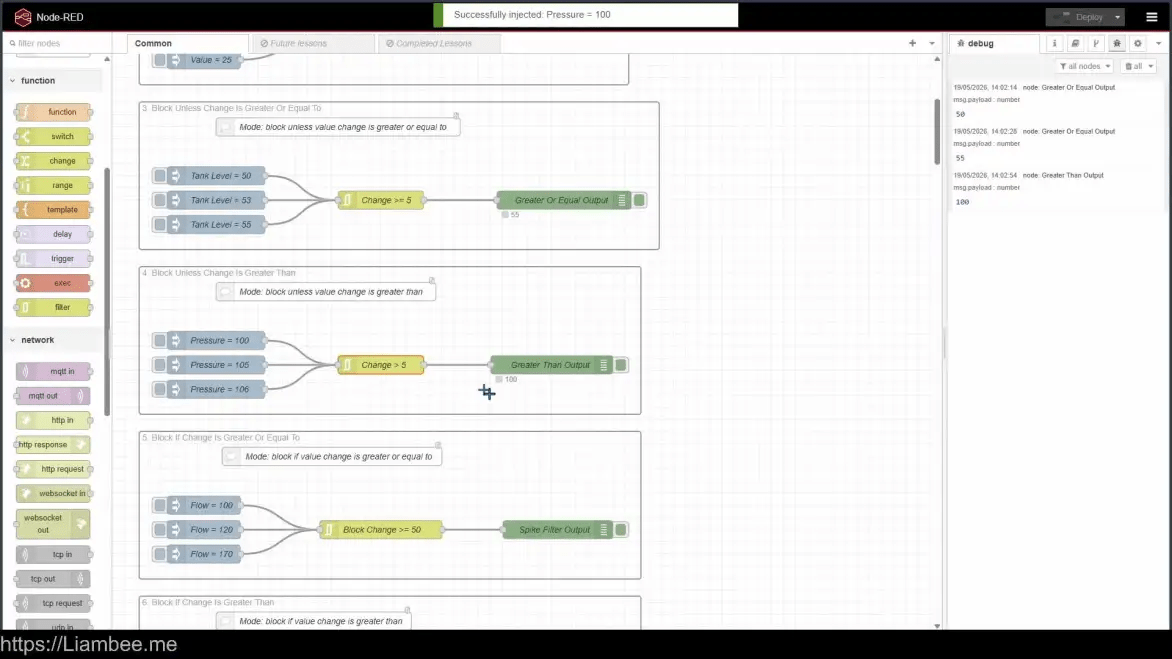
The filter node allows control over the flow based on conditional filters such as “Change > X”
Network Nodes (~30m)
🎥 8m of Video
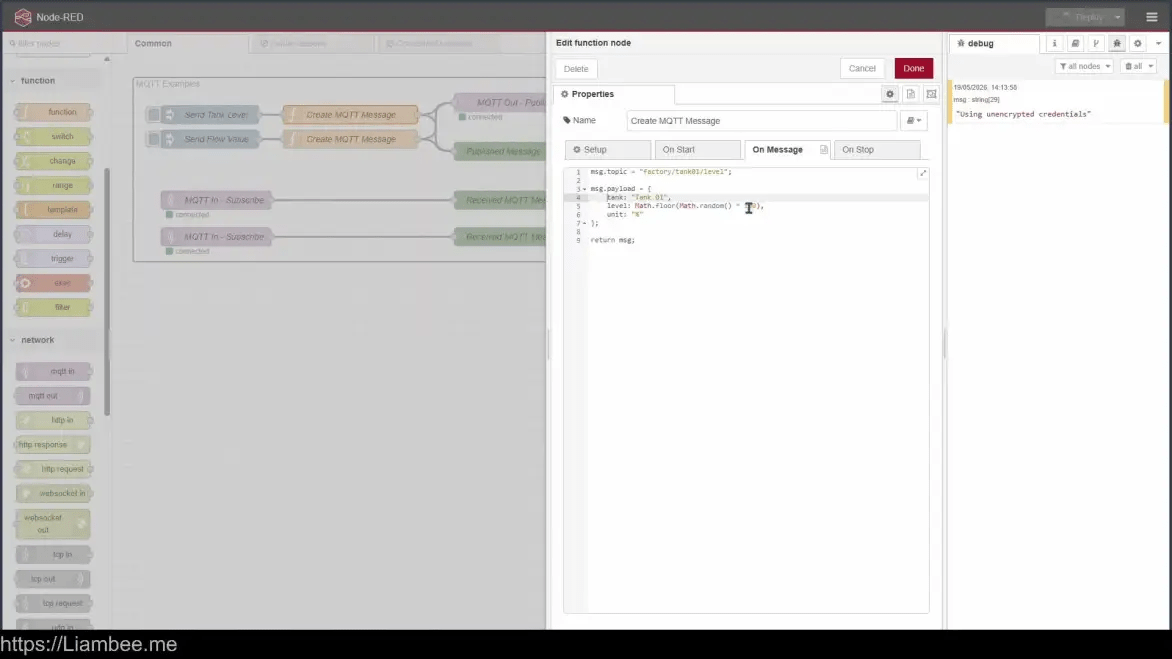
Learn how to use the MQTT nodes to send and receive MQTT messages via an external broker

🎥 5m of Video
Learn how to use HTTP nodes to action events from a HTTP request

🎥 4m of Video
Learn how to use websockets to keep a persistent connection open for communication

🎥 7m of Video
Learn how to send TCP messages to ports and receive messages on TCP ports
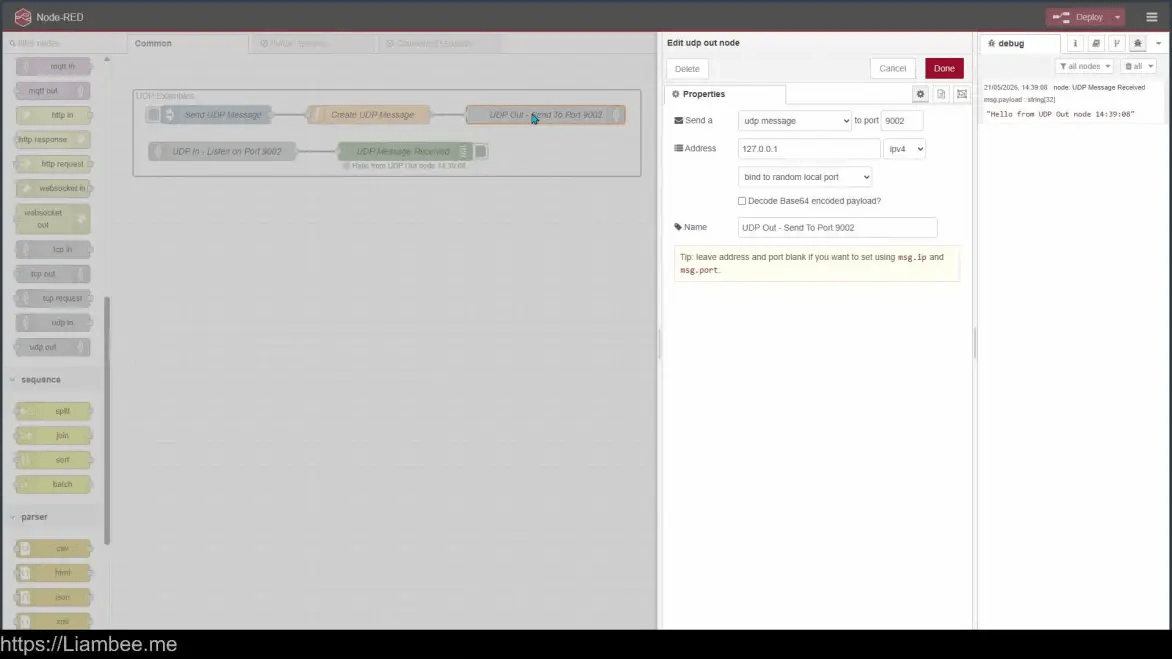
🎥 5m of Video
Similar to TCP nodes, learn how to use UDP to send / receive information in a far less stringent way
Sequence Nodes (~45m)
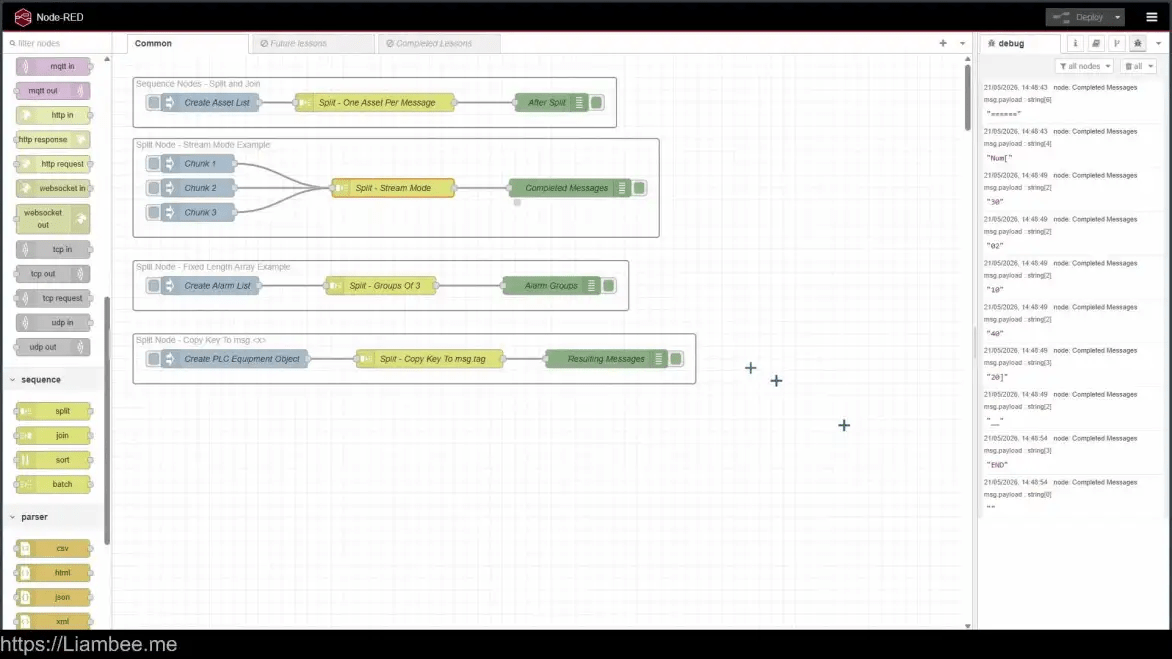
🎥 9m of Video
Split nodes are used to split message contents into groups of messages, or even arrays
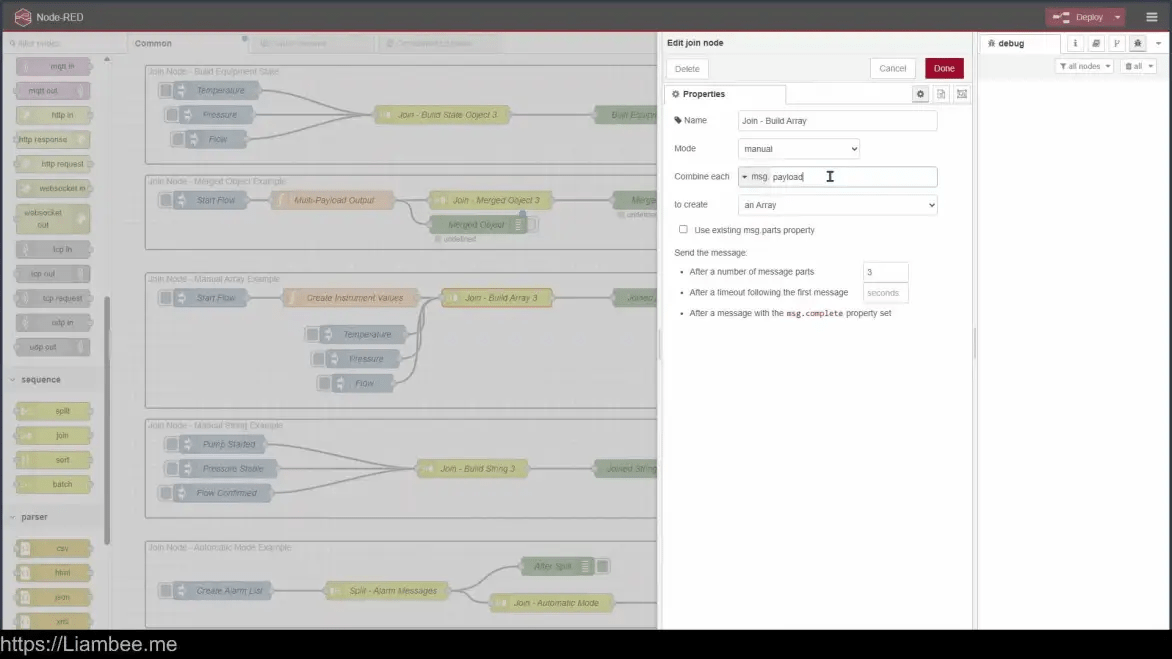
🎥 17m of Video
Join nodes take in multiple messages / parts and then join them together in a collective format
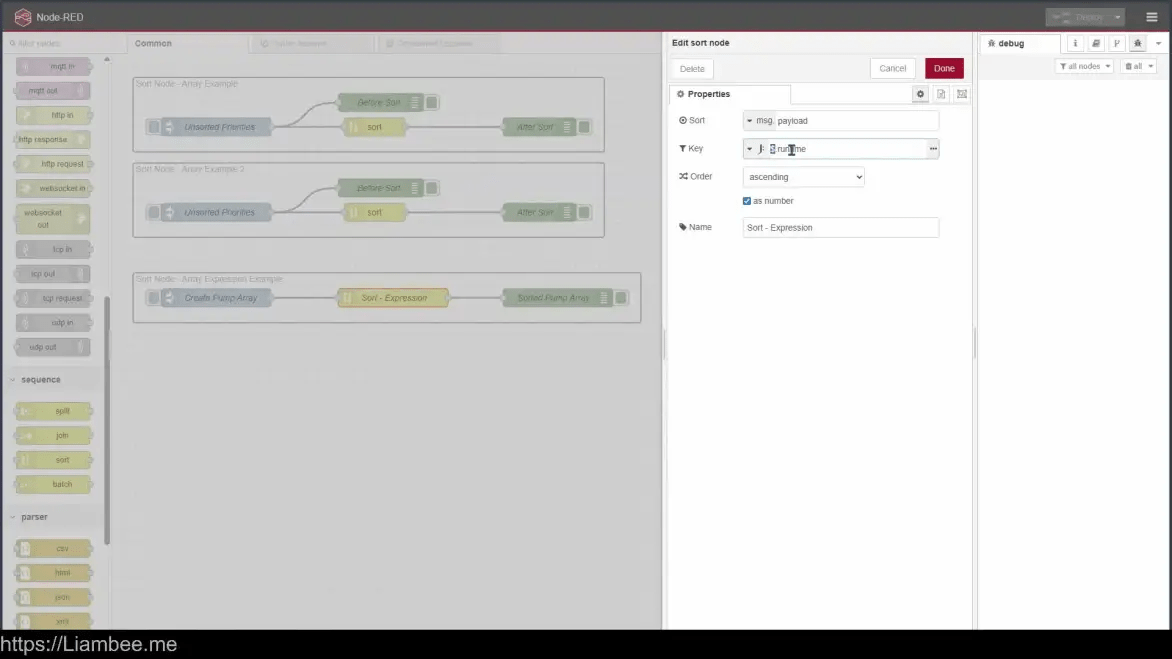
🎥9m of Video
Sort nodes do exactly what they’re named and sort information either Ascending or Descending
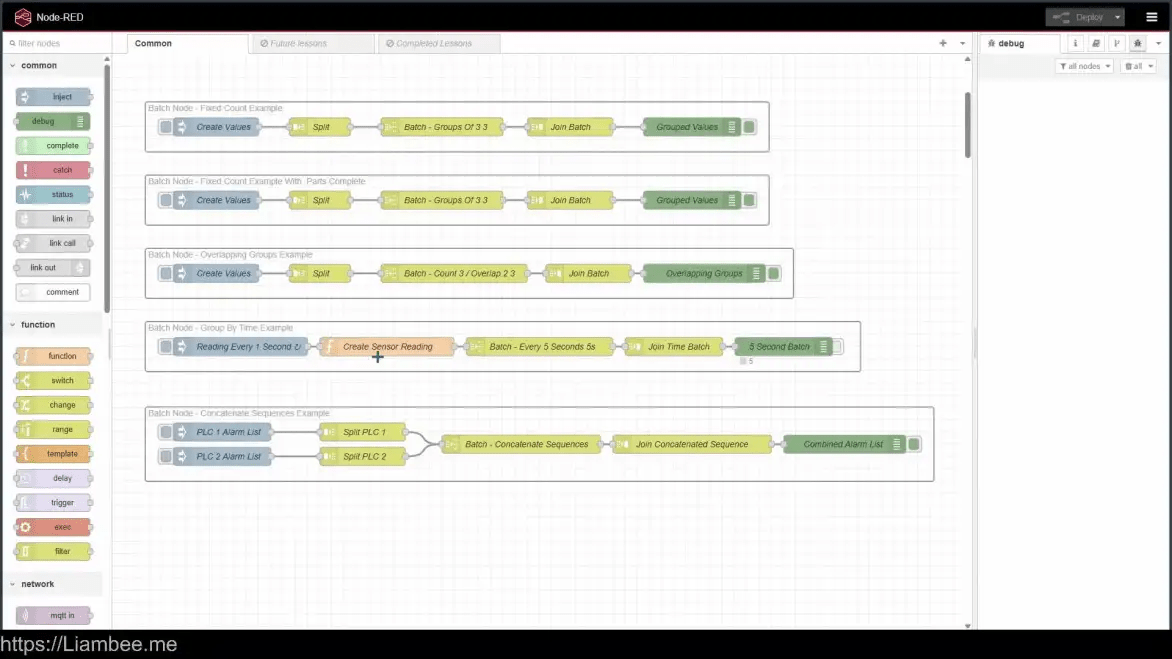
🎥 13m of Video
Learn how to batch information groups together, with or without overlaps
Parser Nodes (~20m)
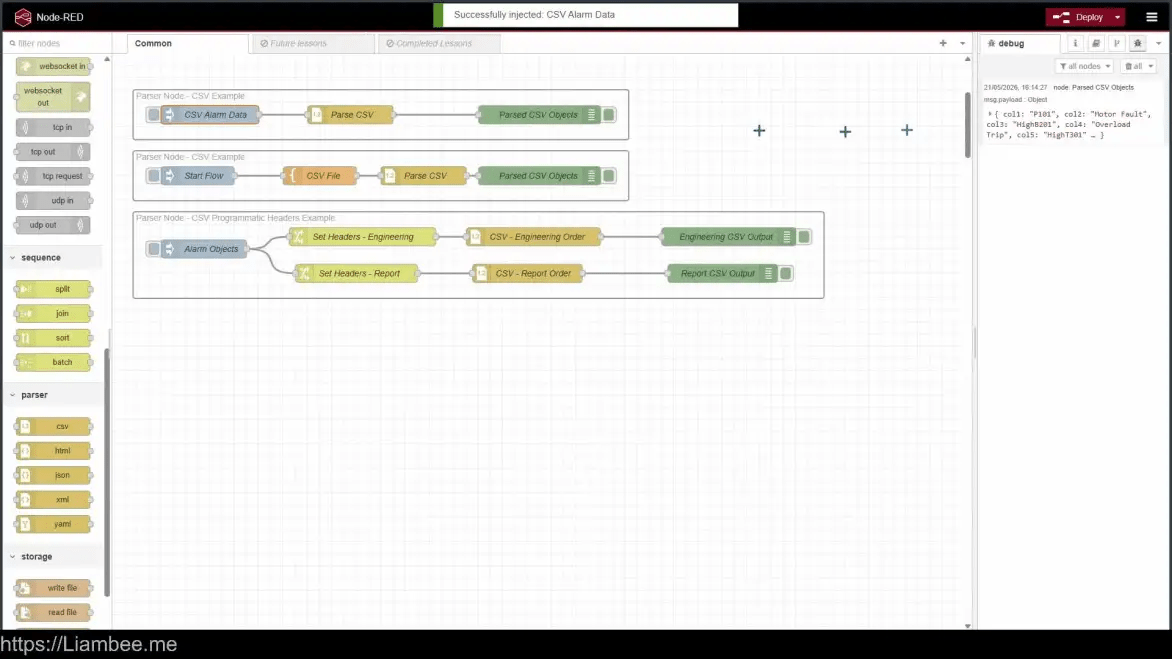
🎥 6m of Video
Parse CSV files or convert to CSV using the CSV node
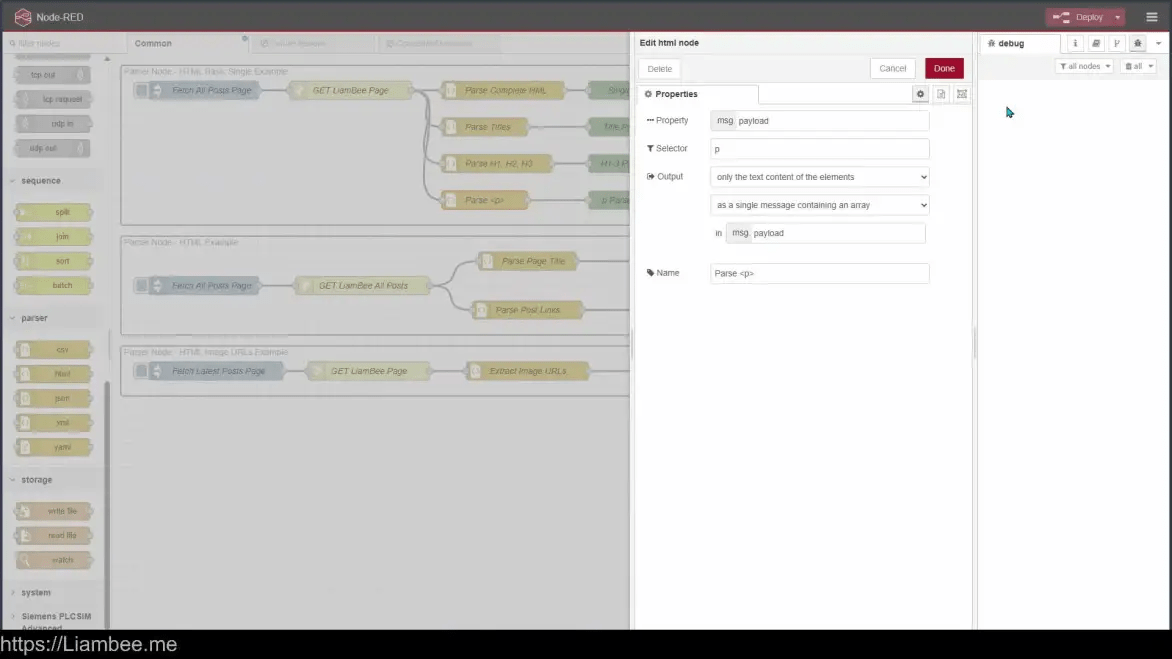
🎥 9m of Video
Scrape HTML web pages for filtered information and pull into the Node-RED environment
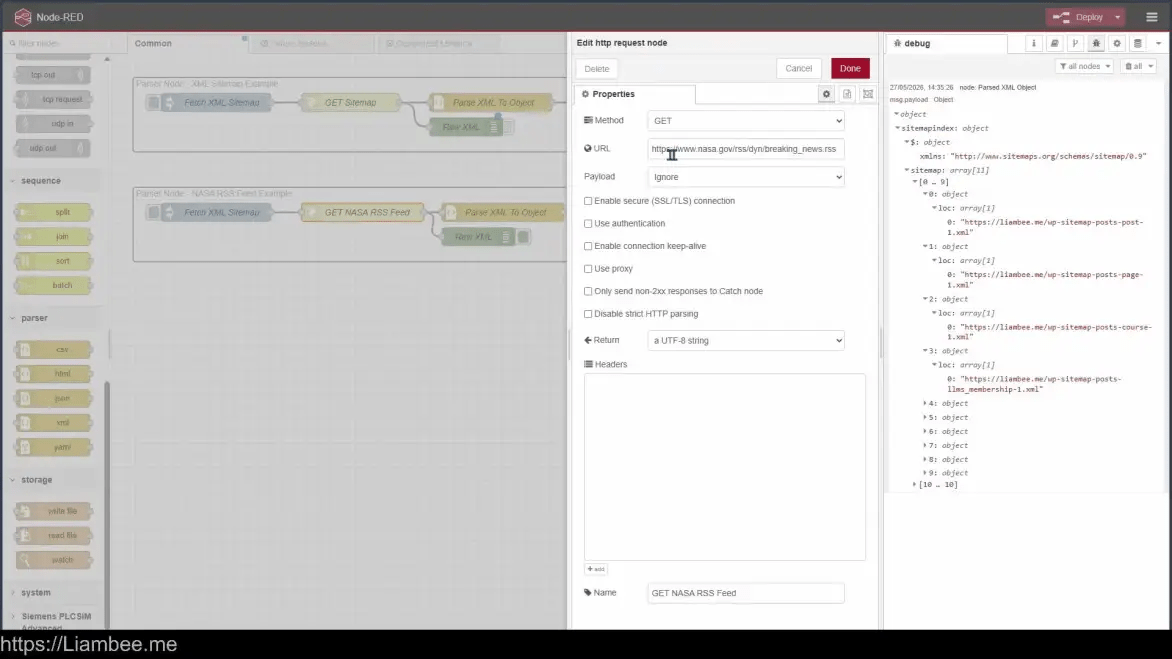
🎥 4m of Video
Convert between XML and JSON objects using the XML Parser node
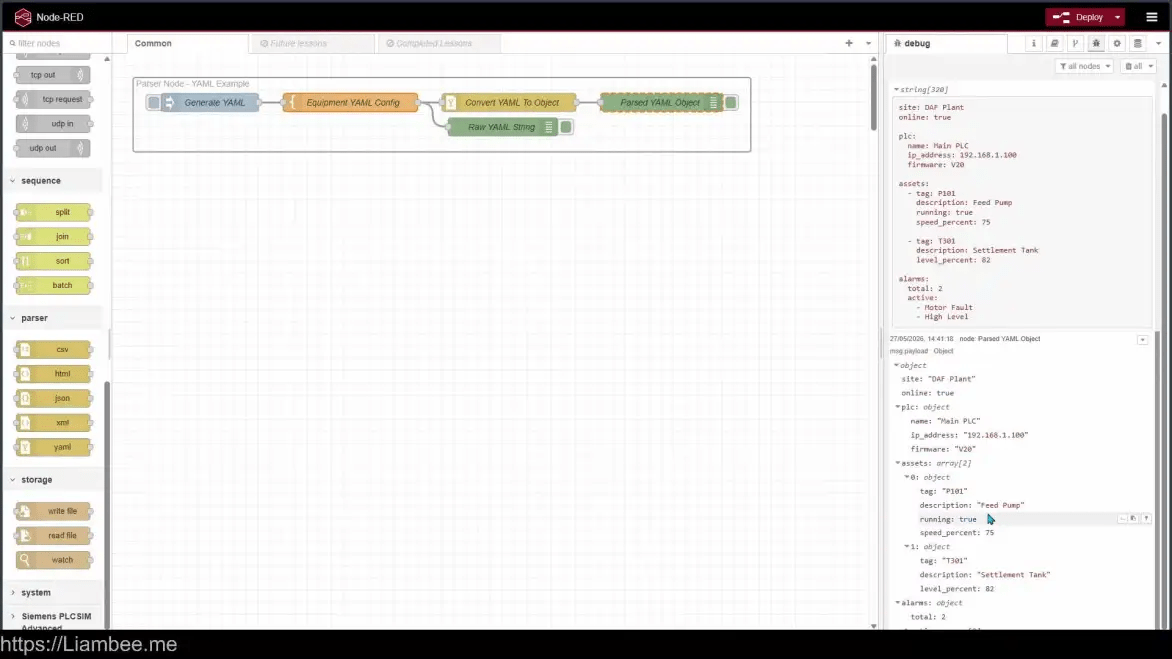
🎥 4m of Video
Similar to JSON, YAML can be converted to and from Node-RED objects
Storage Nodes (~15m)
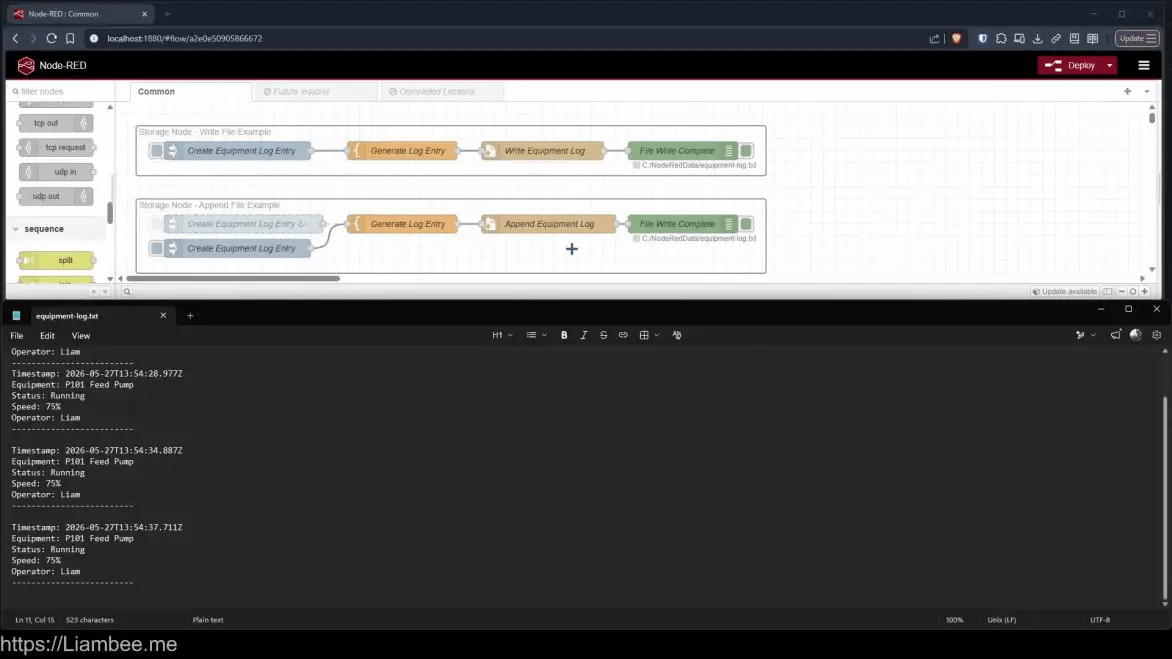
🎥 8m of Video
Learn how to write files to destinations outside of Node-RED using absolute paths and the File Write Node
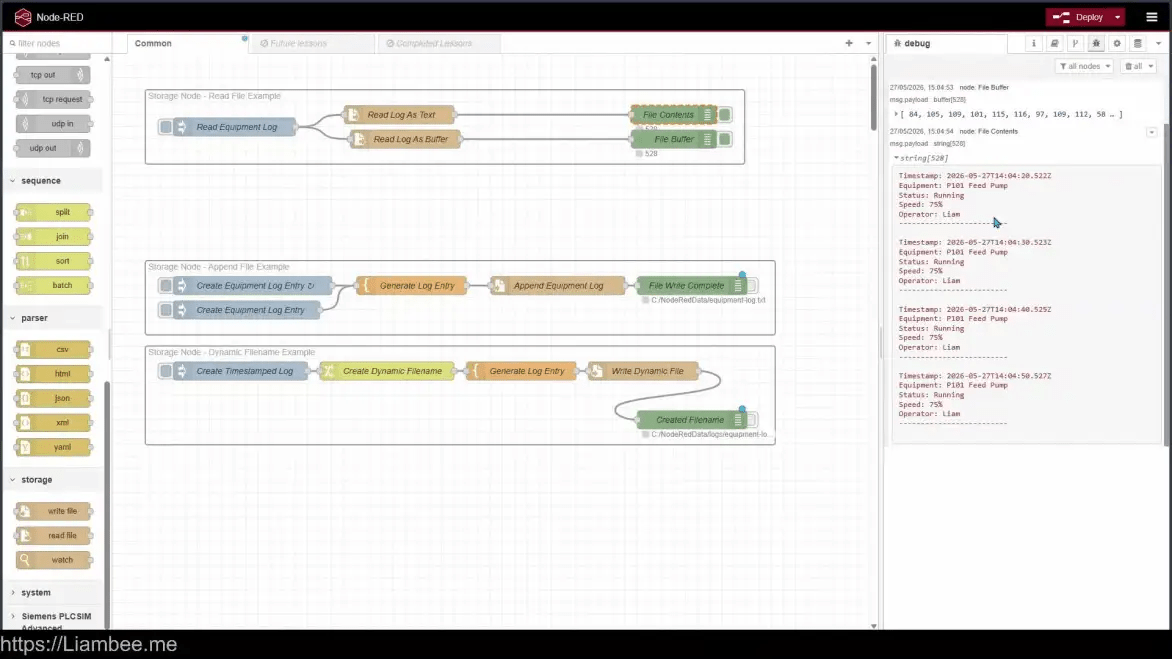
🎥 5m of Video
Learn to read files from a file path using the Read File Node
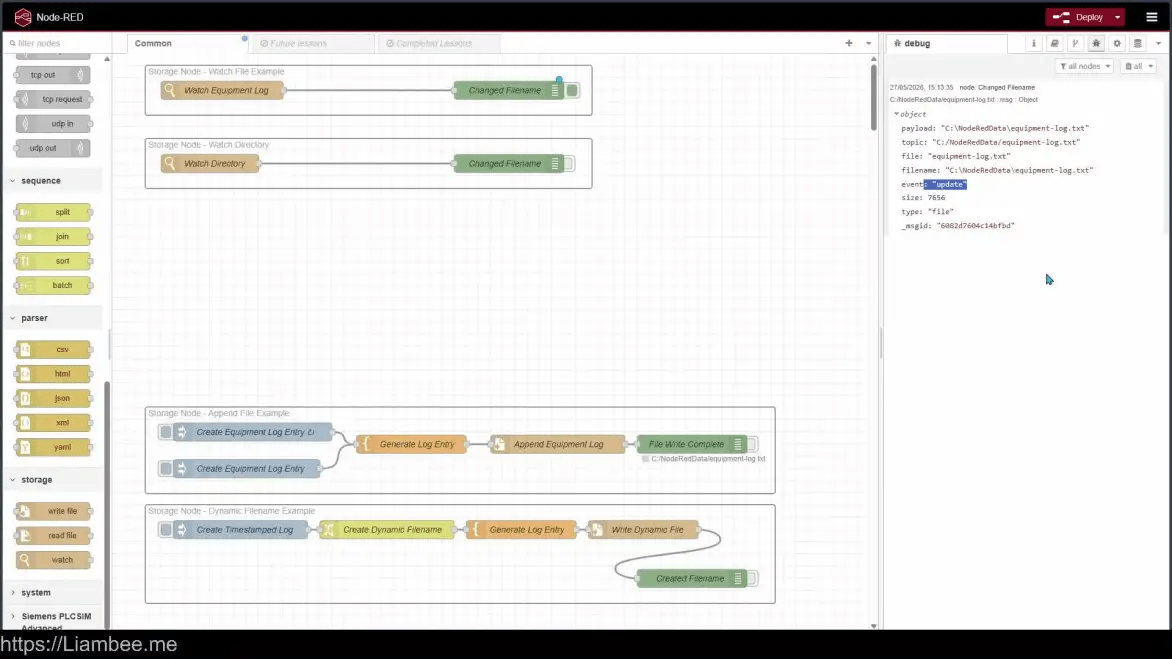
🎥 3m of Video
The Watch node can watch an entire directory, and sub-directory for any file changes and report back to Node-RED, triggering a flow!
Course End

Thanks for completing the course! Don’t forget to download the resource file so you have access to the examples!