
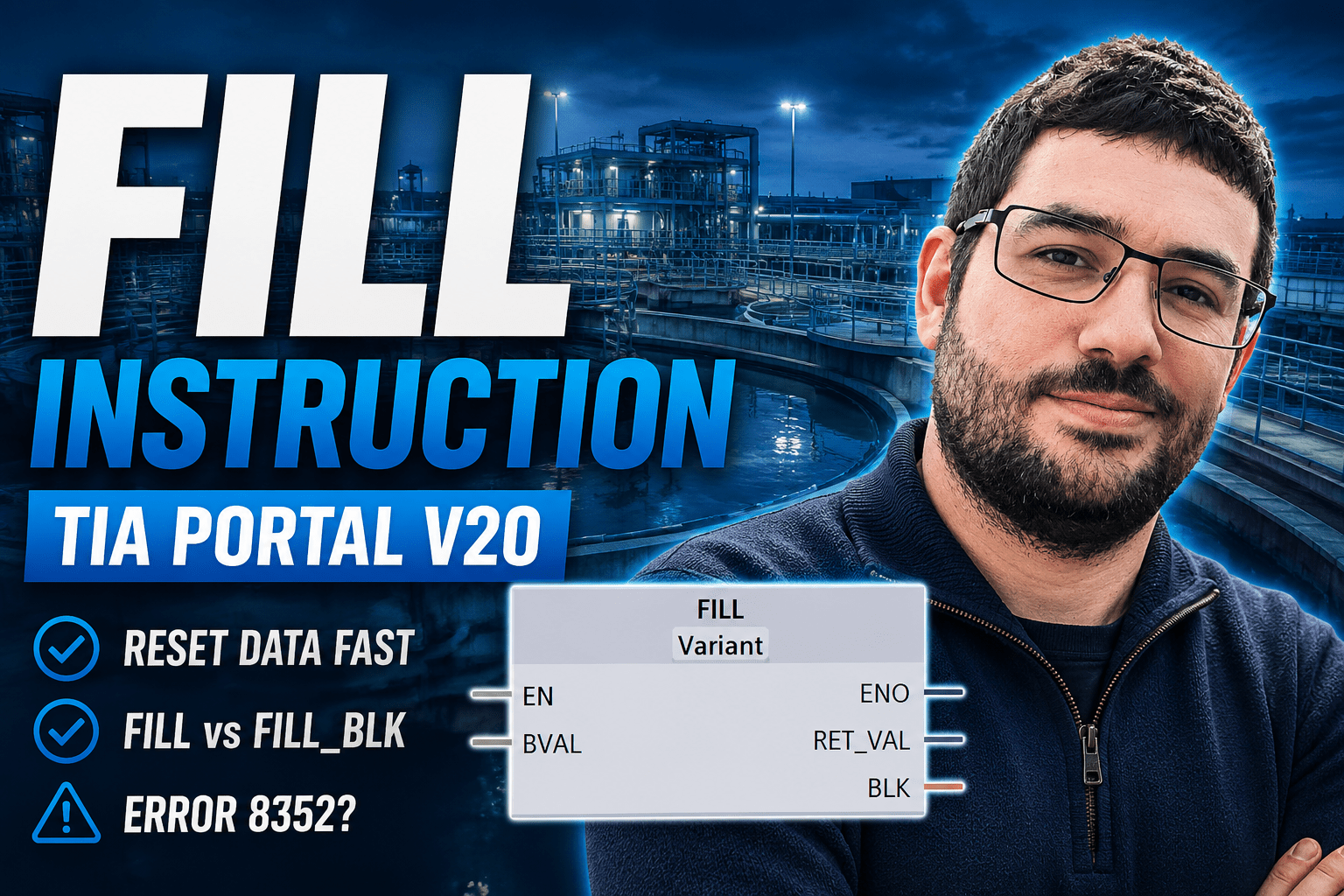
In the video above, we look at the FILL instruction in Siemens TIA Portal and how it can be used to overwrite a section of memory with a specific value.
This is useful when you want to quickly initialise or reset data, especially when working with data blocks, structures, test results, or sequence management data.
What Does The FILL Instruction Do?
The FILL instruction writes a selected value into a target memory area. That target could be a small section of data, a structure, or even an entire data block.
A common use case is clearing values back to zero, but the value being written does not have to be zero. You can fill the target area with whatever value is provided to the instruction.
Creating Some Example Data
For the demonstration, I created an example data block containing a mixture of data types, including booleans, bytes, integers, and reals.
I also added start values so the data could be reloaded during testing. This makes it much easier to repeat the example without writing extra reset logic.
Using A Control Bit To Trigger FILL
To trigger the instruction, I used a simple control bit stored inside a control data block.
I tend to prefer using data blocks for this kind of control data rather than flags or loose tags in the main OB. It keeps things easier to monitor and manage.
The trigger bit is reset after the FILL instruction runs, which prevents the command from continually fighting against the values while testing online.
FILL And Optimised Block Access
One important limitation is that FILL cannot be used with optimised memory areas in this way.
To make the example work, Optimized block access must be turned off for the block calling the instruction and for the data block being written to.
This can put some people off, but for examples where predictable memory layout matters, non optimised data blocks can be easier to understand and inspect.
Filling Data With Zero
The first test uses a byte value of zero.
When the instruction is triggered, the target data is overwritten and the monitored values are cleared. Booleans become false, numeric values become zero, and the selected memory area is reset.
Filling Data With One
The result becomes more interesting when the fill value is changed from zero to one.
Because the source value is a byte, the binary pattern being written is:
00000001
That means only the first bit in that byte is true. So when this is written across memory, the results depend heavily on the target data type.
- Some booleans become true, depending on bit position
- Byte values become 1
- Integer values can become values such as 257
- Real values may display unexpected results because the byte pattern is not a valid floating point value
This is a good reminder that FILL is not converting values in a friendly, high level way. It is writing a memory pattern into the target area.
Data Alignment Matters
Another important point is that the target address must align correctly with the data type being written.
For example, trying to write a byte into a boolean location will cause an error because a byte cannot fit into a single boolean.
In the video, this produces error:
16#8352
This happens because the data type is not supported at the target block parameter. In simple terms, the FILL instruction is being asked to write to an invalid memory position for the selected data type.
Using FILL With Structures
Structures are where FILL becomes especially useful.
When you target a structure, TIA Portal handles the internal memory layout and byte alignment for you. This means you can clear a group of related values without worrying as much about individual offsets.
This also works with nested structures. If you target the top level structure, everything underneath it can be reset in one operation.
Where FILL Is Useful
The FILL instruction is useful anywhere you need to reset a larger block of data quickly.
- Initialising data blocks
- Clearing test sequence results
- Resetting sequence management data
- Preparing structures before reuse
- Clearing arrays or grouped process data
Final Thoughts
FILL is a simple instruction, but it is worth understanding properly before using it in a project.
The main things to watch are optimised block access, data type size, and memory alignment. Once those are understood, FILL becomes a very useful way to initialise or clear large areas of PLC data without writing repetitive reset logic.